Quran memorisation circles, run properly on a phone.
Role
Solo: mobile and backend
Year
2025
Status
Shipped
Category
Mobile
A companion app for a Quran teaching and memorisation centre, linking the centre, the student and the family. Students sit in circles that mirror the real ones, the teacher follows a student's recitation on a synchronised mushaf, and games and tests turn revision into something students return to.
Overview
A memorisation centre runs on relationships that software usually flattens: a teacher knows where each student stopped, what they struggle with, and whether the family is following along. Most apps replace that with a progress bar.
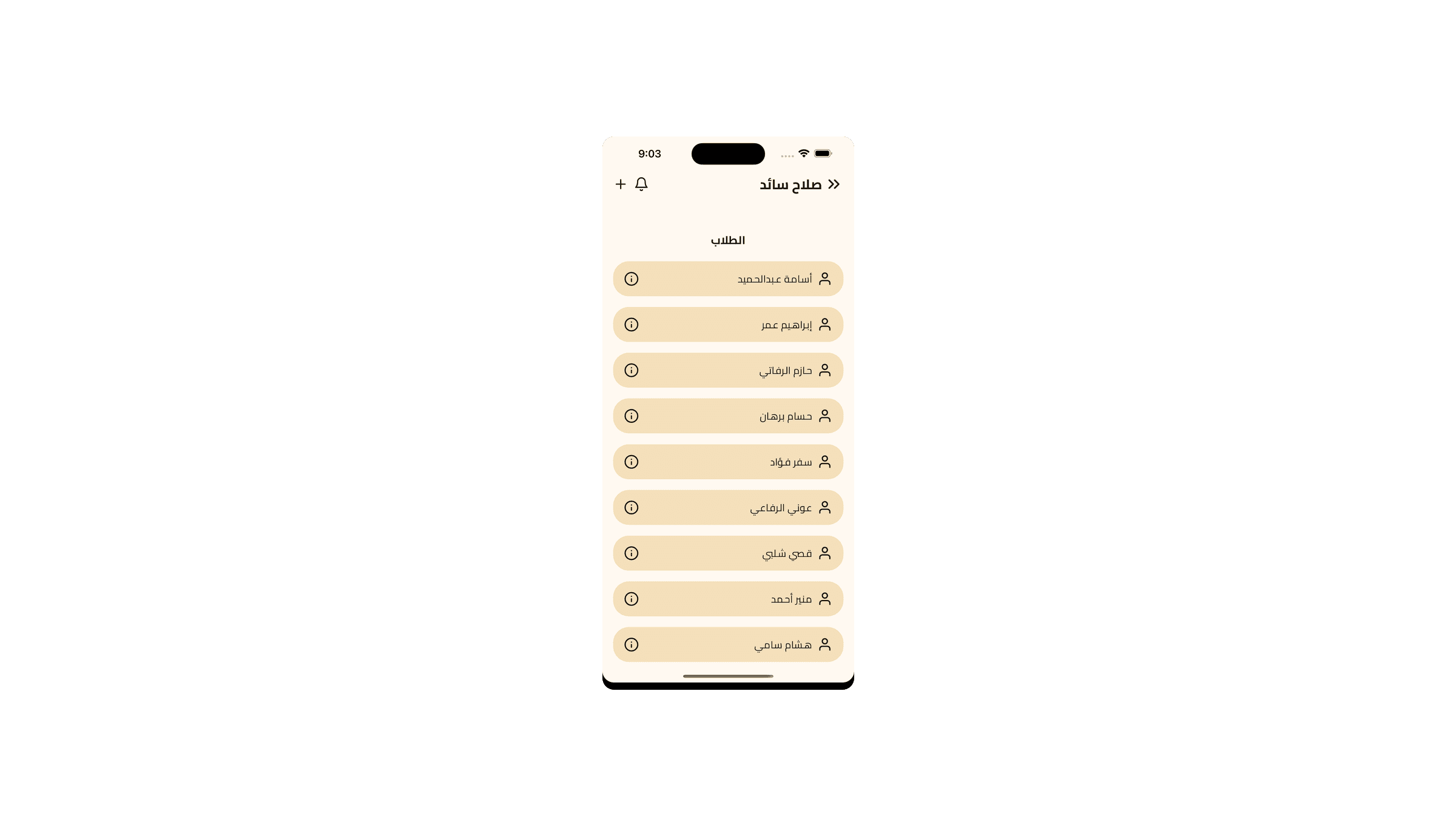
This one models the actual structure. Circles mirror the real ones. During recitation the teacher sees the same page the student is reading, so they can follow and correct without asking the student to say where they are. Parents get visibility into their child's progress without having to phone the centre.
The competitive layer, tests, games and a leaderboard, exists because revision is the part students skip, and it is the part that decides whether memorisation holds.
Quranic text has to be laid out exactly. The page breaks, line breaks and word positions are fixed, and readers notice immediately when they are not. Standard text rendering reflows, which makes the page wrong.
Solution
Pages are drawn on a Skia canvas with fixed geometry rather than laid out as flowing text, so a page looks the same on every device size and word-level positions stay addressable for highlighting.
Two devices on the same page
Problem
The teacher's view has to track the student's position closely enough to be useful for correction. Polling is too slow to feel connected, and pushing every scroll event floods the connection in a circle of a dozen students.
Solution
Position updates are throttled and sent as a compact cursor rather than a stream of scroll events, and only within an active session. The teacher sees the current line quickly without the app maintaining a live channel per student all day.
Three roles, one codebase
Problem
Teacher, student and parent need genuinely different screens and different permissions, but shipping three apps for one centre is unreasonable to build and worse to maintain.
Solution
One app with role-derived navigation, and the permissions enforced server-side in security rules rather than by hiding buttons. A student who inspects the traffic still cannot read another circle's data.
Results
Live on Google Play, serving a real centre's teachers, students and parents.
Synchronised recitation view for teacher-led correction.
Revision framed as tests, games and a leaderboard.